
One product photo in.
A whole listing out.
Upload a photo you have already taken on your phone. Kridia uses it to produce studio shots, room scenes, spec graphics, all the marketplace sizes and a short clip, in your brand colours.
5 free credits every month. No card needed to start.
Before and after
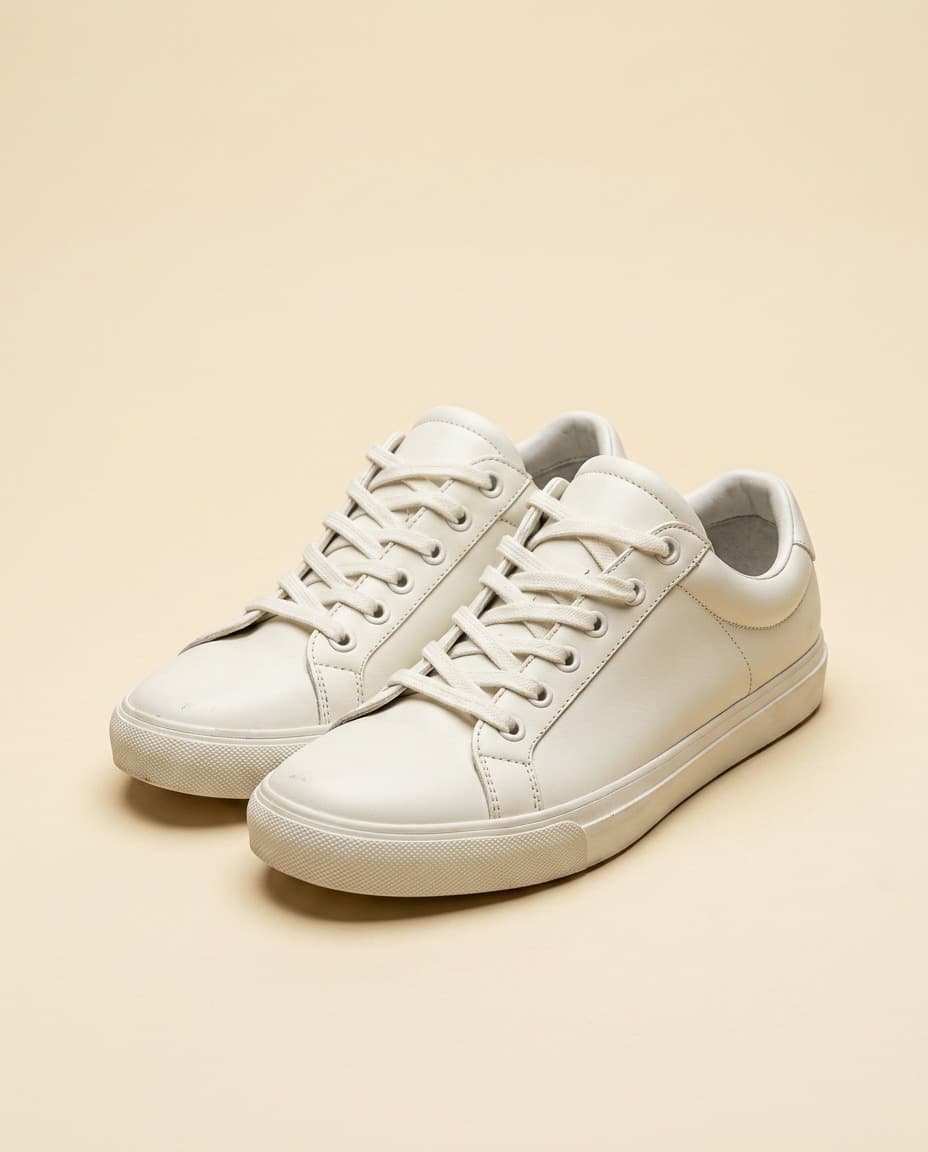
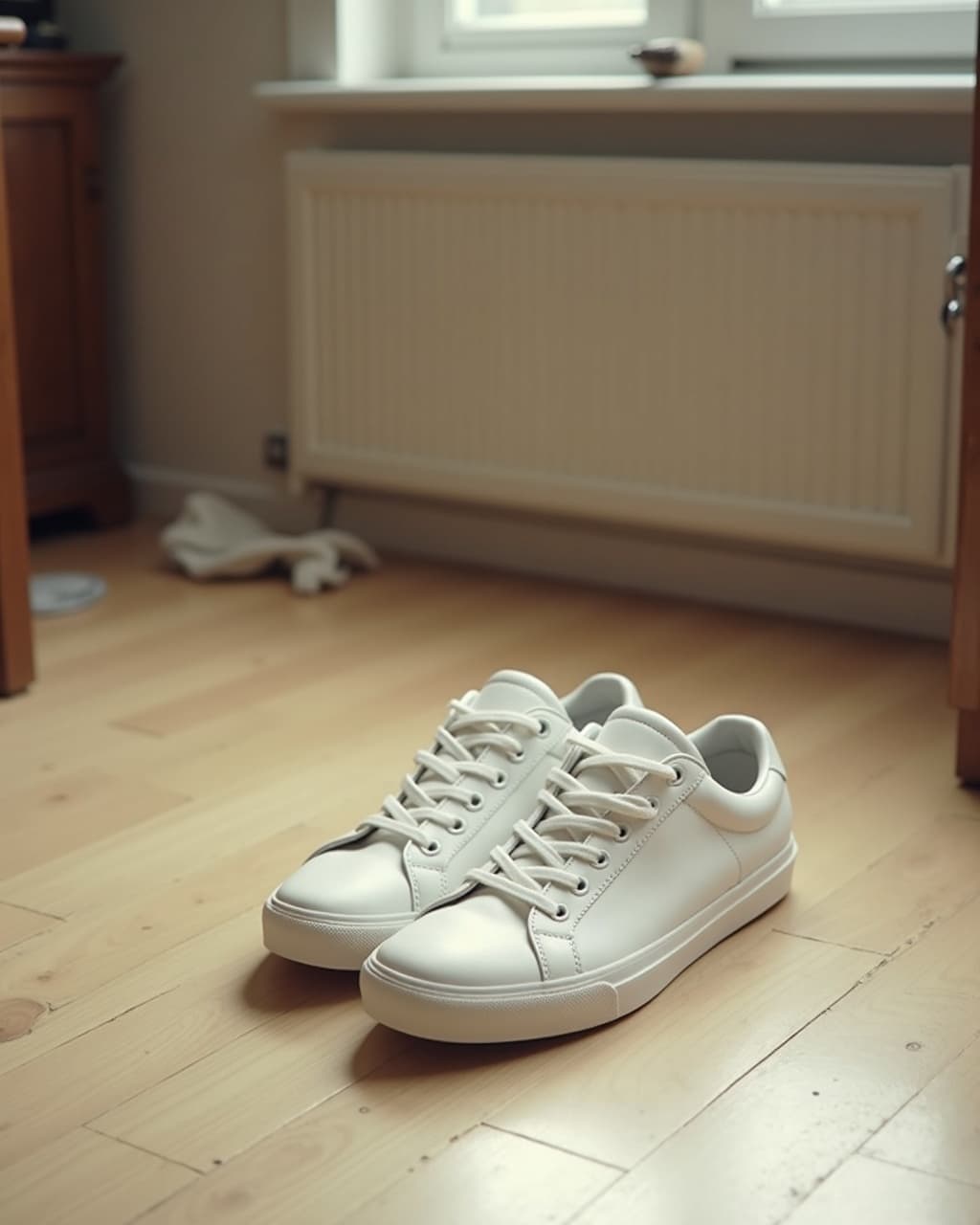
The photo on the left was taken on a phone, on the floor, next to a radiator. The one on the right is what Kridia produced from it. Drag the slider to compare them.
Every look a listing needs, from a single photo.
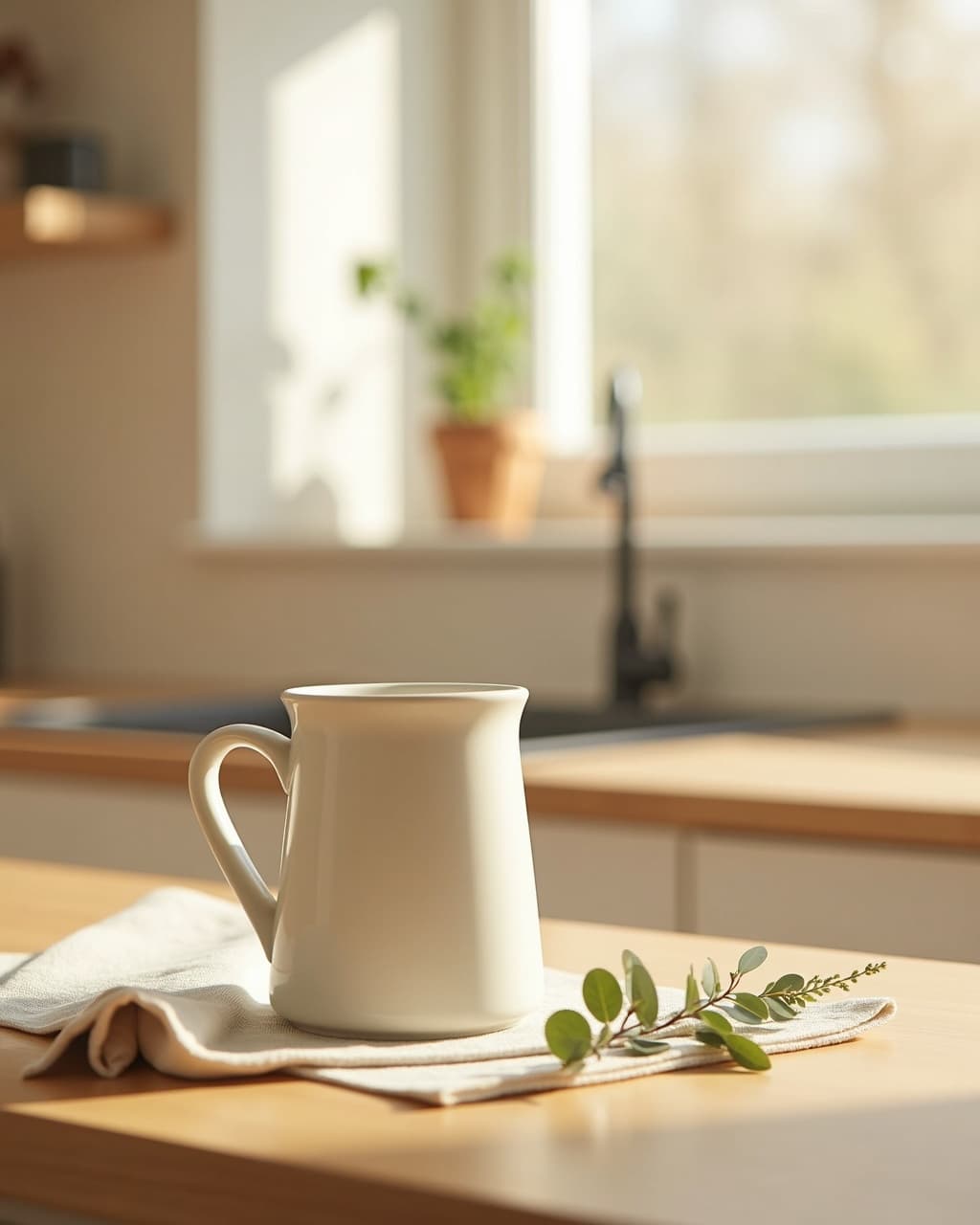
Four looks to choose from: a studio backdrop, a real room, top-down, or worn and held. Each uses your palette and photography brief, so everything you make looks like it came from the same shop.
Clean seamless backdrop with soft studio light.
Placed in a real room, styled and in context.
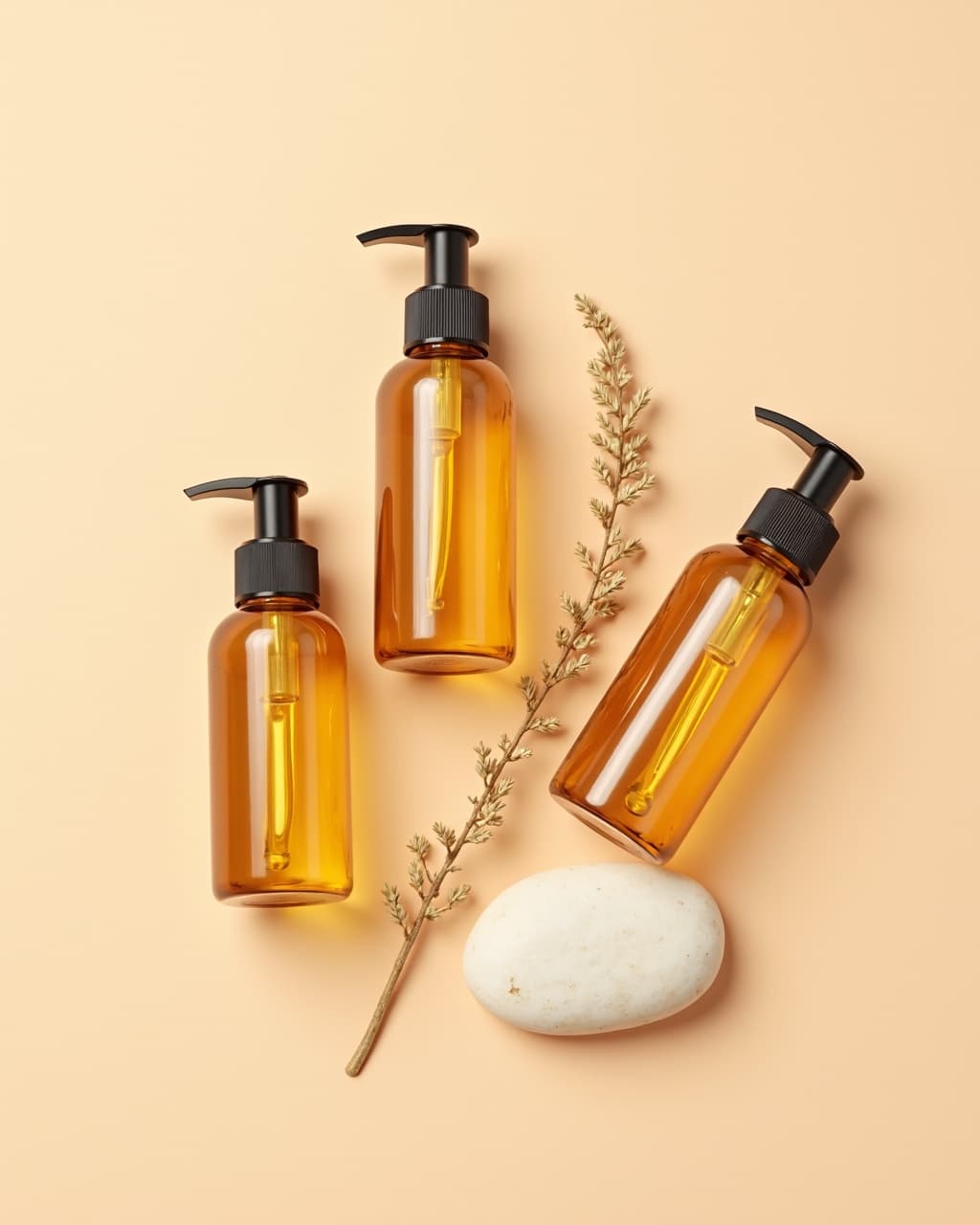
Top-down composition with complementary props.
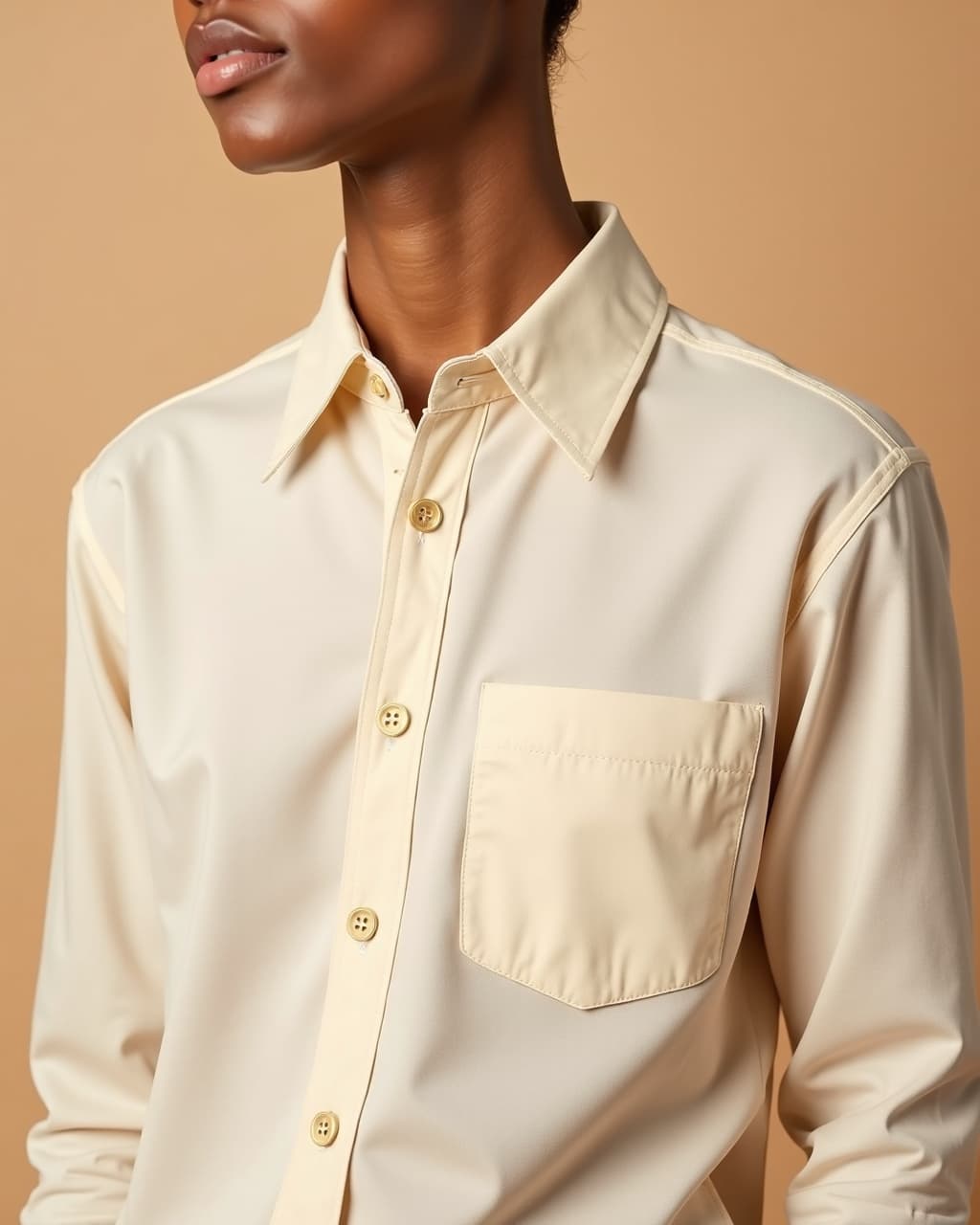
Worn or held, a try-on look without booking a shoot.
Getting a listing ready usually means hiring two people
You book a photographer for the product shots, brief a designer for the spec graphics, and then resize everything for each marketplace you sell on. Then you repeat all of it for the next product.
Booking a studio or a photographer, then waiting on the edit.
Briefing someone for the spec graphics, badges and price tags.
Re-cropping one shot for every marketplace and channel.
You get the image, the graphics and every marketplace size in one go.
Costs and waits are typical freelance market rates for a single product, gathered for comparison. Yours will vary.
From a phone photo to a finished listing in three steps
Upload a plain product photo
One clear photo of the product is enough. The background does not matter and a phone camera is fine.
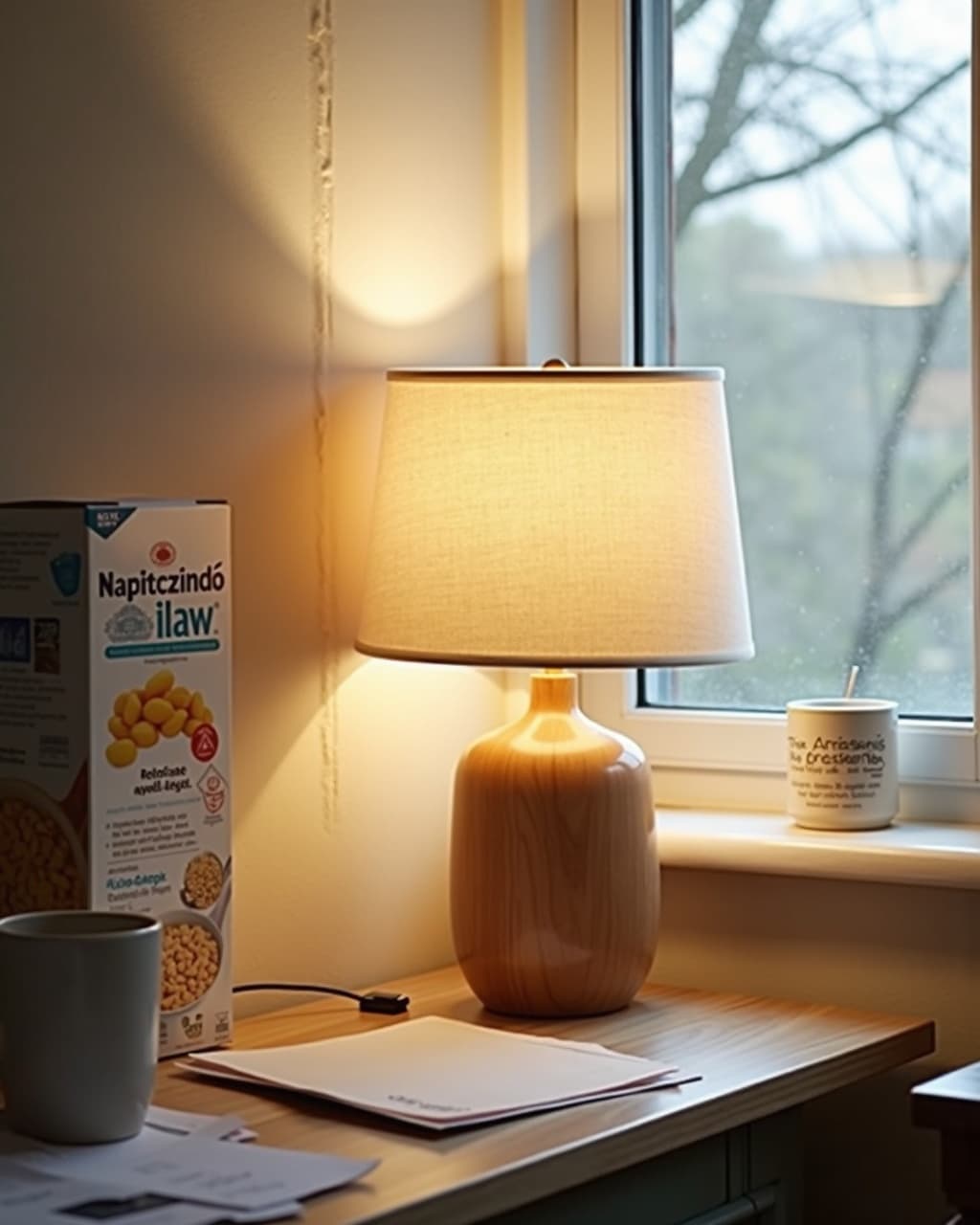
Pick a look and your brand
Choose which of the four looks you want. Kridia applies your saved colours and logo to whichever one you pick.
Get the whole listing
One credit renders the size you choose and fits the other four from it. The caption and tags come with it, and a sales version with your price is a click away. Download the lot as a zip.
The same photo, ready to sell
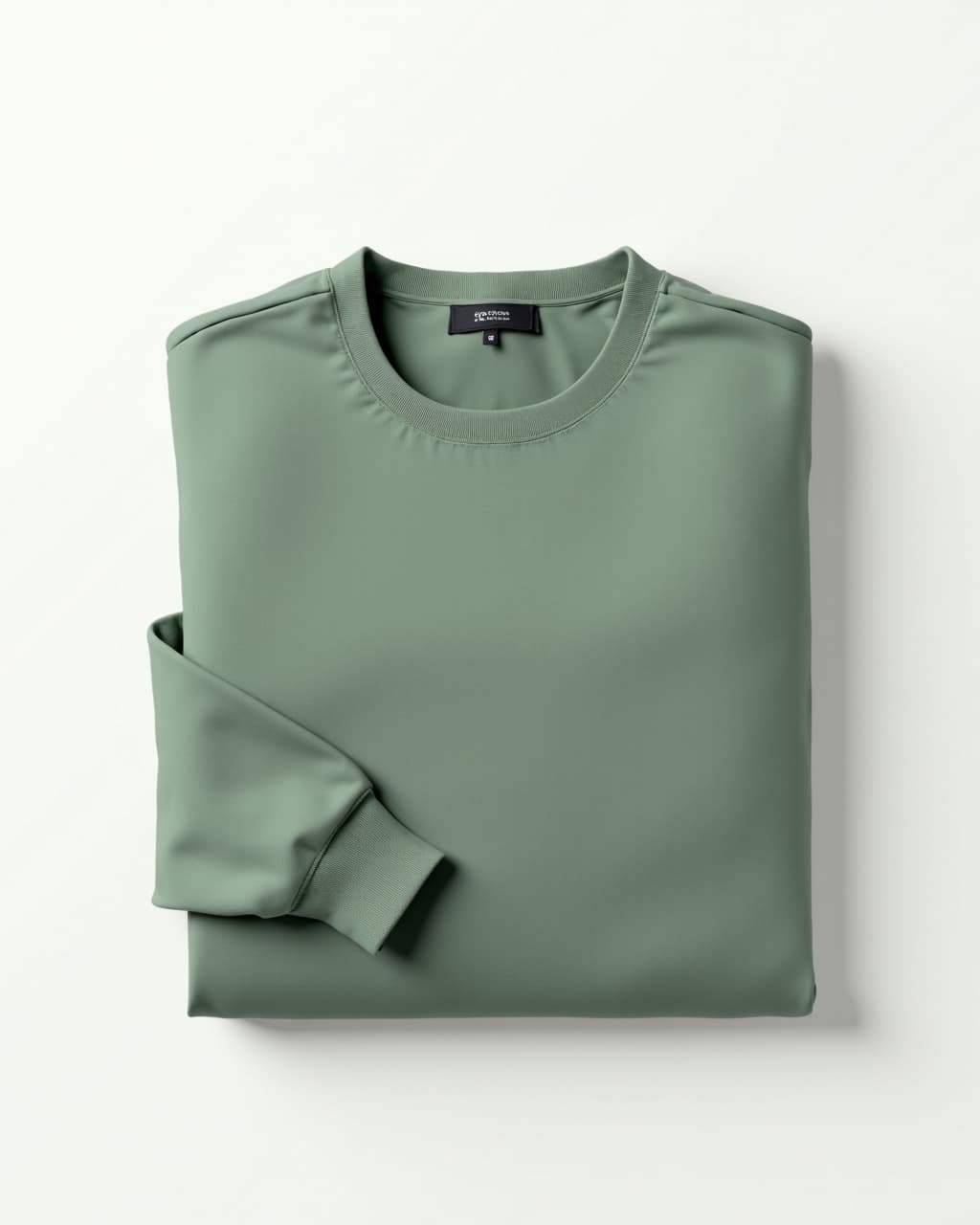
Turn it on and Kridia lays the name, price and a line of features over the finished photo. The app draws that text itself rather than asking the image model to, so it comes out sharp and spelled the way you typed it. Turn it off and you keep the clean studio shot.

- Optional. The clean studio image is what you get by default
- Uses the details read off your photo, not invented ones
- Priced in your currency, tagged with your brand's own tags
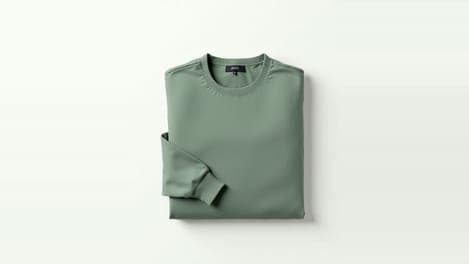
- Product
- Merino Crew, read from the photo
- Price
- €89, in your own currency
- Features
- 100% merino · Machine washable · 5 colours
- Badge
- Yours to write, or none at all
You type this once per product and every image in the set uses it.
Every marketplace size
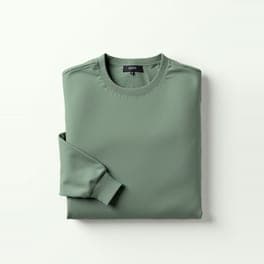
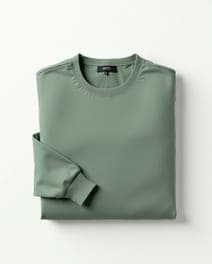
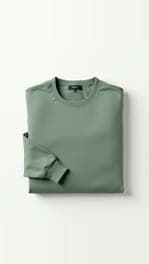
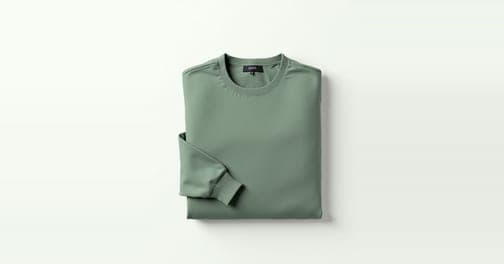
Square, portrait, story and banner. The size you choose is rendered by the model; the rest are fitted from it against the same backdrop, so the product is never cropped. All five come with the credit.
Video
The same image can also be turned into a five-second product clip. There is no timeline to edit and no export settings to pick.
Start free. Pay for more when it earns its keep.
One credit renders one image in the size you choose. The other four marketplace sizes are fitted from it at no extra cost. A video costs four credits, and unused credits carry over.
- All four looks and every size
- Captions and tags written for you
- No watermark
- Everything in Starter
- About €0.97 an image
- Unused credits carry over
Buy credits in any amount at €2 each. No plan, no monthly reset, and they never expire.
Try it with one of your own photos
Signing up is free and you get 5 credits straight away. No card is required, and nothing you make carries a watermark.